
FinePrint Product learning
Learn how a task reaches its final decision
Two short routes. Follow a task through Legal AI Counsel (FinePrint Counsel): request, plan, review, record. Follow a message through Legal AI Firewall (FineShield), your legal autocorrect: draft, flag, cited rule, decision. Start with the half of your Legal AI Team you plan to use.

FinePrint Counsel
FineShield
Request · Plan
Start a FinePrint Counsel task
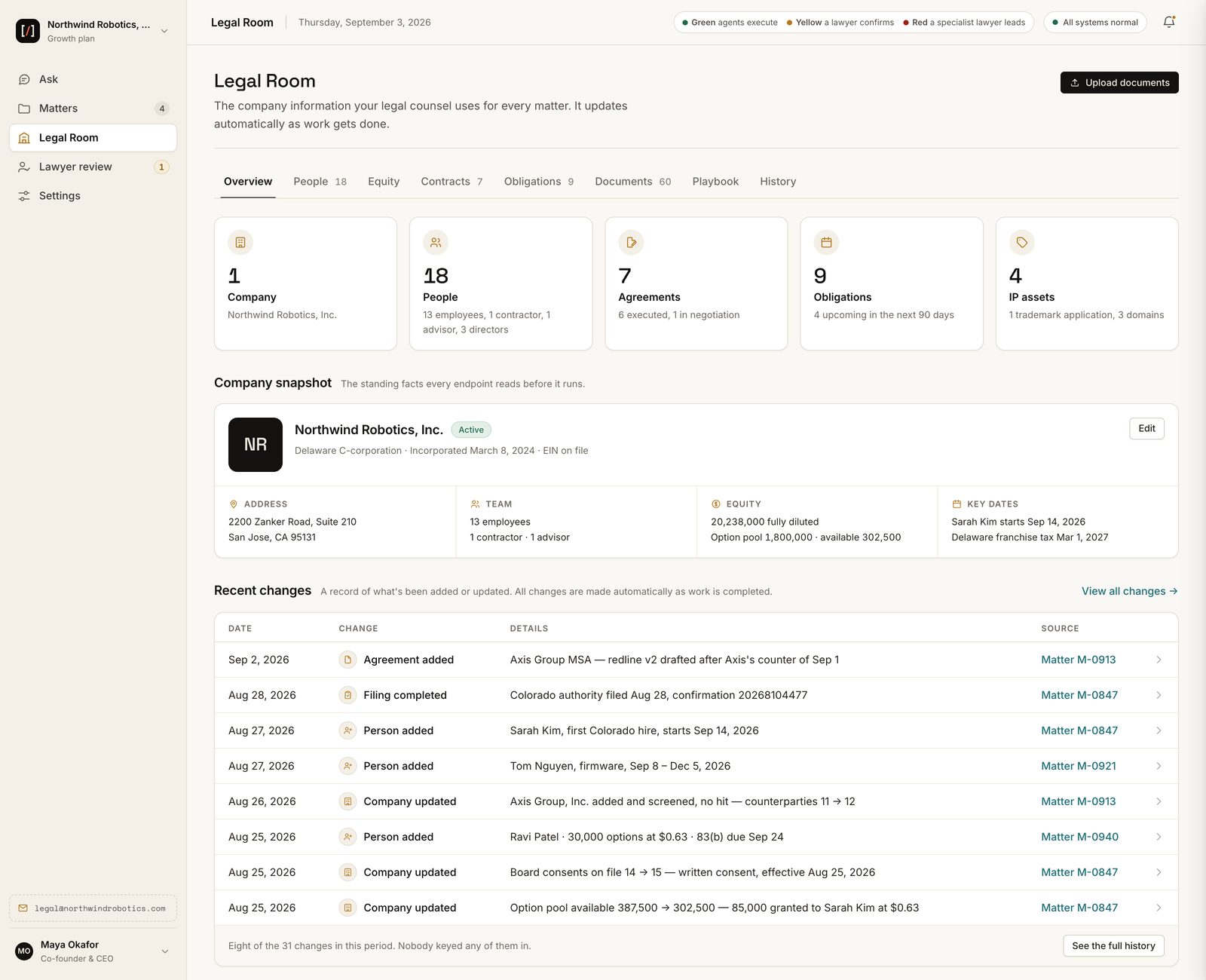
Tell Counsel what you need in your own words. It shows the documents it will prepare, the facts it needs, and what the task will cost before it starts, and you decide. If two records disagree or a fact is missing, Counsel asks before it goes on.
Review
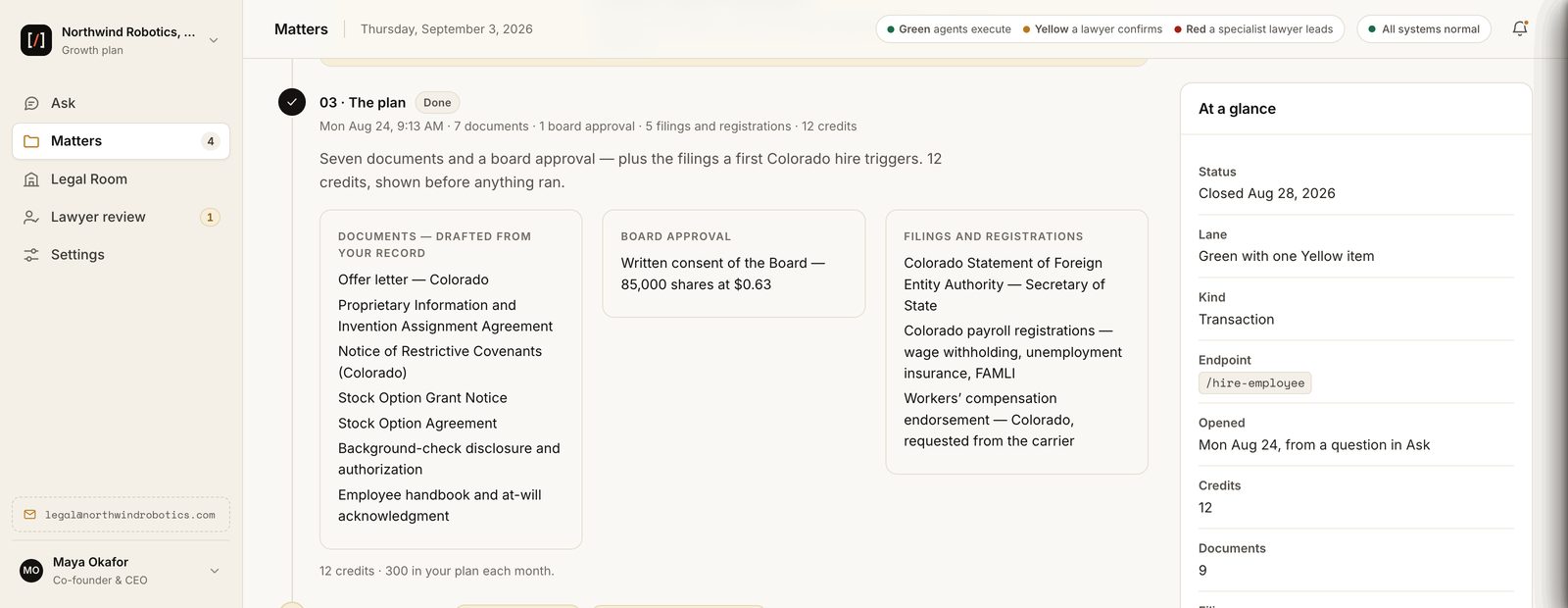
See what a lawyer reviews
Legal work follows a process lawyers approved and sample-check. Work that needs additional legal judgment waits for a lawyer's review. AnswerLoop is where lawyers agree with, change or redo the work they review, and record why.
Company record
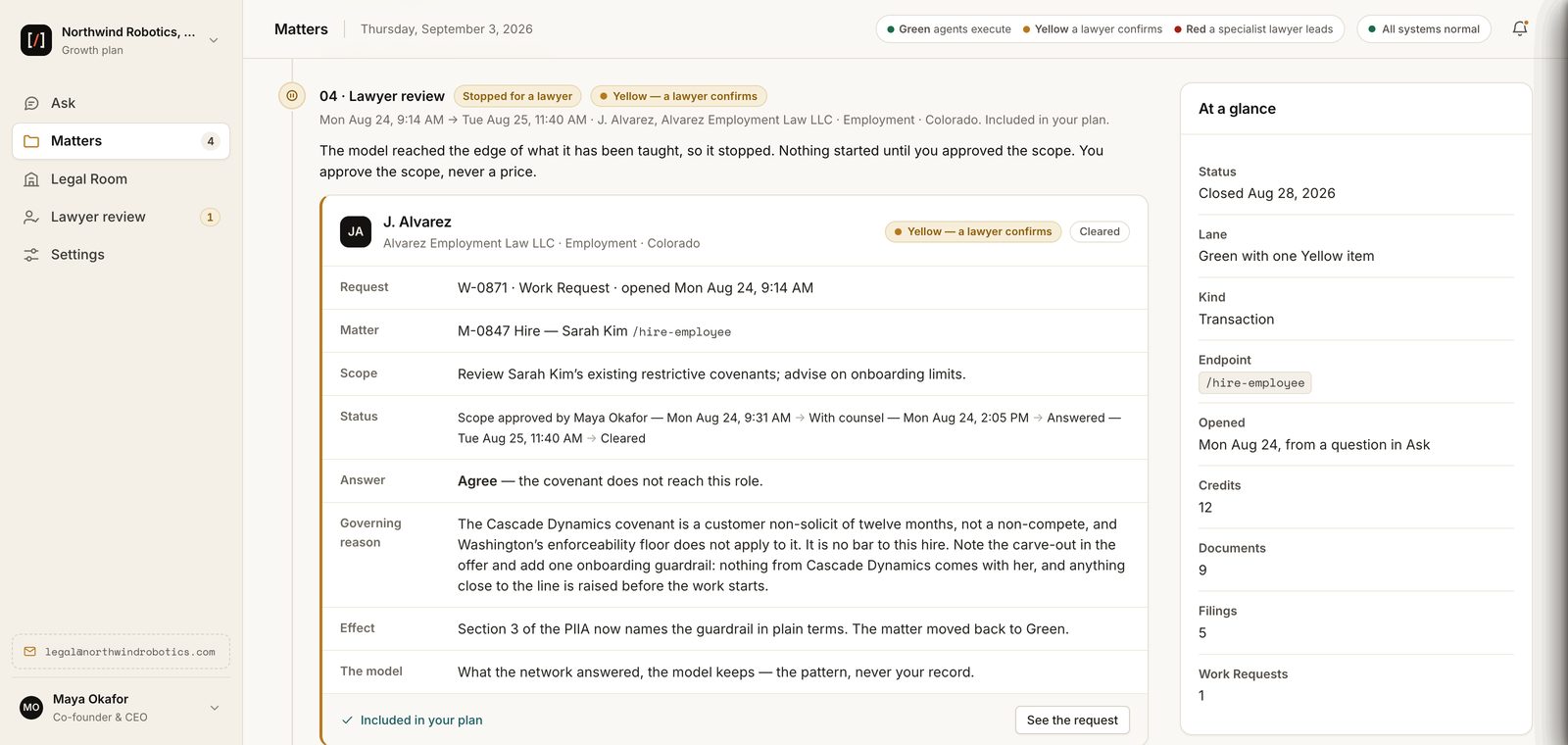
Keep the company record ready for another task
The Legal Room holds documents, facts, and earlier decisions. Choose who can see the record and which tasks each person can open. The next task starts from what was already agreed.
FineShield
Read a FineShield flag
A flag shows the exact words at issue, the clause or policy they break, and a suggested fix. Then it names who decides. A business exception goes to the named approver. A legal question goes to your lawyer.
Every flag shows the rule and names who decides.
Drafts can wait at Send. Spoken words cannot.
In email and Slack, the message waits at Send for a fix or an approval.
On a call, the rule appears before you answer, and only you see it. Spoken words cannot be held.
Notice, capture, access and retention are agreed before any call is connected.
Setup
Prepare the first team and channels
Name the team, the channels, the source documents, the approvers and the records. Agree how you will count the result before you start. The setup guide tells your legal, security and business owners what to bring.
First team and channels
- Coverage
- Source documents
- Approvers
- Records
- Measures
Questions
Does this page offer live training sessions?
No. It is a self-guided route through the examples and guides. If your team wants more, tell us the scope on the contact page and we will confirm what we can do.
Should a new user start with confidential documents?
Not yet. Read the data and access pages first. Share company documents only through your secure account, once the task or channel scope is agreed.
Start with the product you plan to use
Founders: apply to the LaunchPad with your first task and get 60 days free. No card. No automatic subscription. Enterprise teams: tell us the team and channels you want FineShield on. Keep confidential details out of the form.